Works with NeoPOS today
See how every venue is trading. Right now.
HospoView puts a small agent on the POS machine you already own and brings its numbers to your phone. Live takings for every venue, members recognised at the till, menu boards that can't go stale.
It does not replace your POS. It connects it.
- Northside4,318.50
- The Junction2,975.00
- Harbour6,102.20
- Hilltop920.00
- Main Street3,411.80
Your POS is fine.
It rings up every sale and knows exactly how the venue is trading. It just can't tell you unless you're standing in front of it.
The numbers live in the back office.
On a Windows machine, in a database, behind the bar. Reports run at close. If you have five venues, that is five machines and five phone calls.
Everyone who calls wants to rip it out.
Your staff know the till. Your menu, your modifiers, your members are all in it. Replacing it is a year of pain to get a dashboard.
So the group runs on end-of-day emails.
By the time you know Saturday was quiet, it's Sunday. HospoView shows you at two in the afternoon, from wherever you are.
How it works
One small agent. Everything else follows.
The agent goes on the POS machine.
It's a small Windows service. It reads the NeoPOS database with a read-only login, and it never touches the till, the screens or your staff's routine.
It talks to HospoView.
Sales, line items, products, categories and members come up to the cloud, in your venue's local time. If the internet drops, the agent picks up where it left off.
You switch on what you want.
Each product runs off the same connection and turns on separately. Start with live reporting. Add boards, members and the rest when you're ready.
The products
Ten things a group can do with a connected POS.
6 are available now. 4 are planned, and you can tell us which one you need first.
- Tally Live sales and reporting Available now
- Slate Live menu boards Available now
- Regular Loyalty and members Available now
- Docket Printing Available now
- Circuit Multi-venue Available now
- Open Integrations and API Available now
- Runner QR and table ordering Planned
- Counter Online ordering Planned
- Shout Gift cards Planned
- Bell Staff alerts Planned
Multi-venue
Every venue, side by side.
Single-venue tools show you one till. A group owner needs the row above the rows: which venue is up, which is quiet, and whether the whole group is ahead of last week, without ringing five managers.
| Venue | Today so far | Same day last week | Change | Last sale |
|---|---|---|---|---|
| Northside | 4,318.50 | 3,980.00 | 8.5% | 41s |
| The Junction | 2,975.00 | 3,210.40 | 7.3% | 2m |
| Harbour | 6,102.20 | 5,466.00 | 11.6% | 18s |
| Hilltop | 920.00 | 1,102.50 | 16.6% | 26m |
| Main Street | 3,411.80 | 2,900.00 | 17.6% | 1m |
| Group | 17,727.50 | 16,658.90 | 6.4% |
One login for the group, with roles per venue, so a manager sees their venue and you see all of them. This is Circuit, and it comes with Tally.
Featured customer
Great Western Enterprises
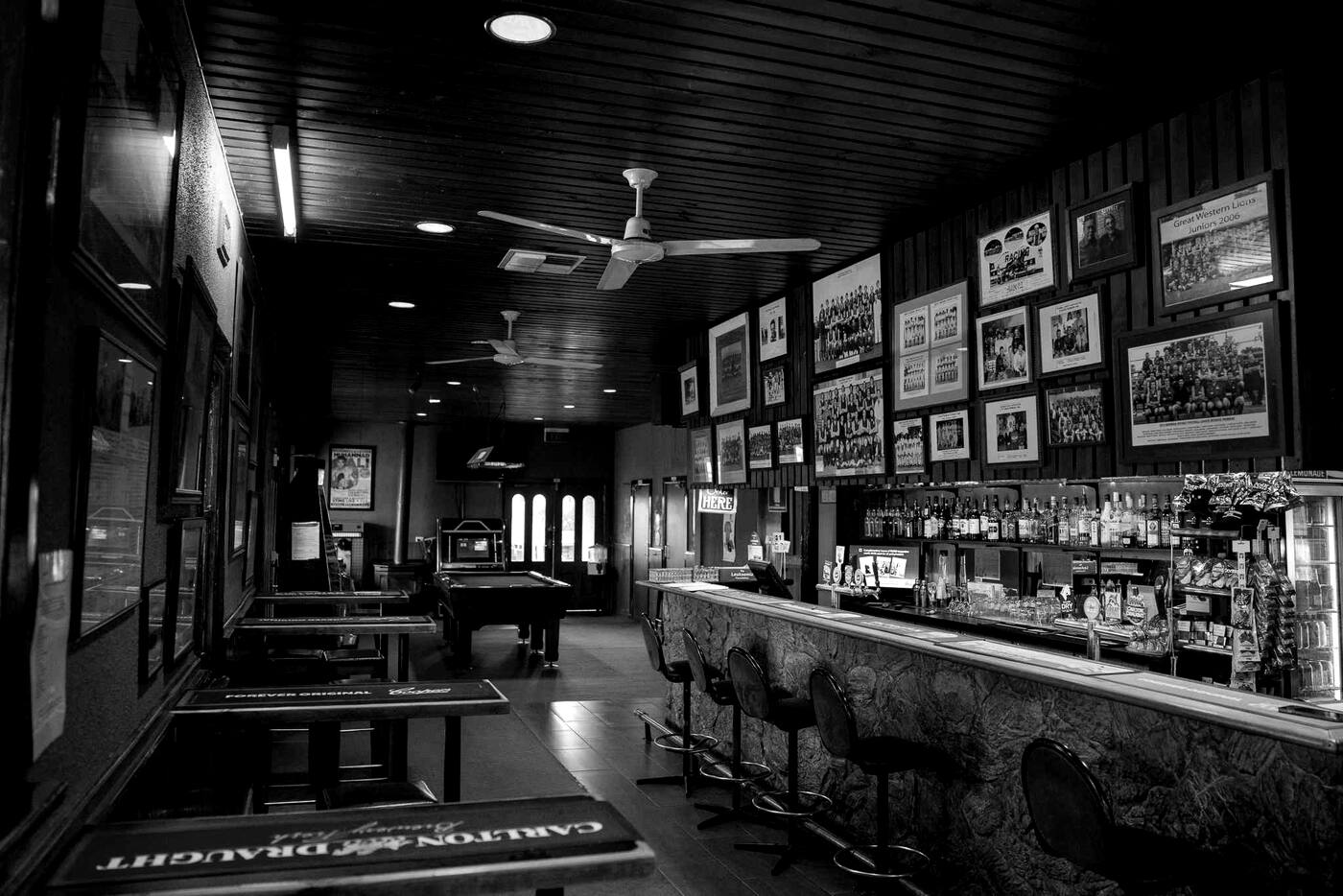
Great Western Hotel Great Western 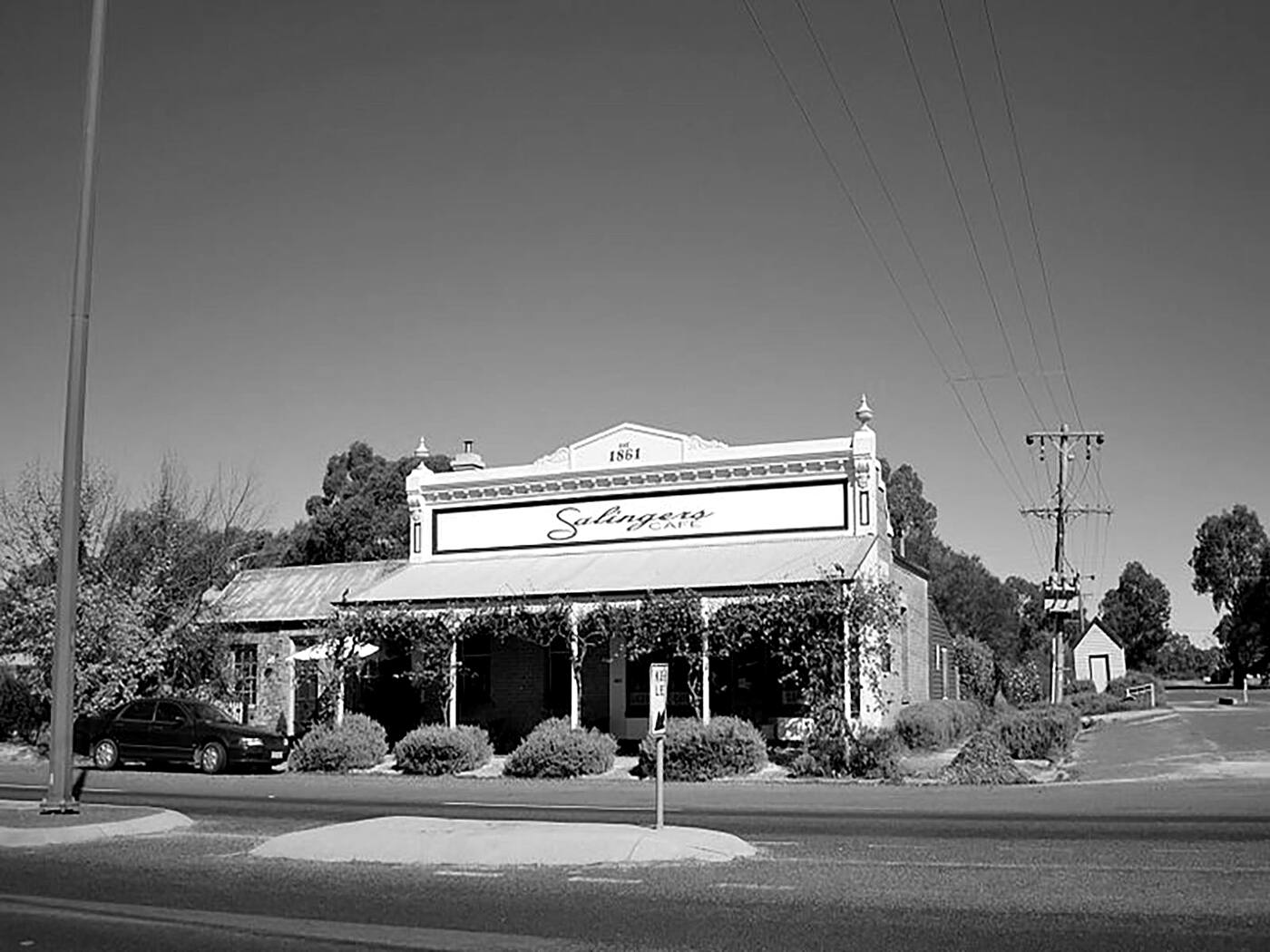
Salingers Great Western 
Seppelt Cellar Door Great Western 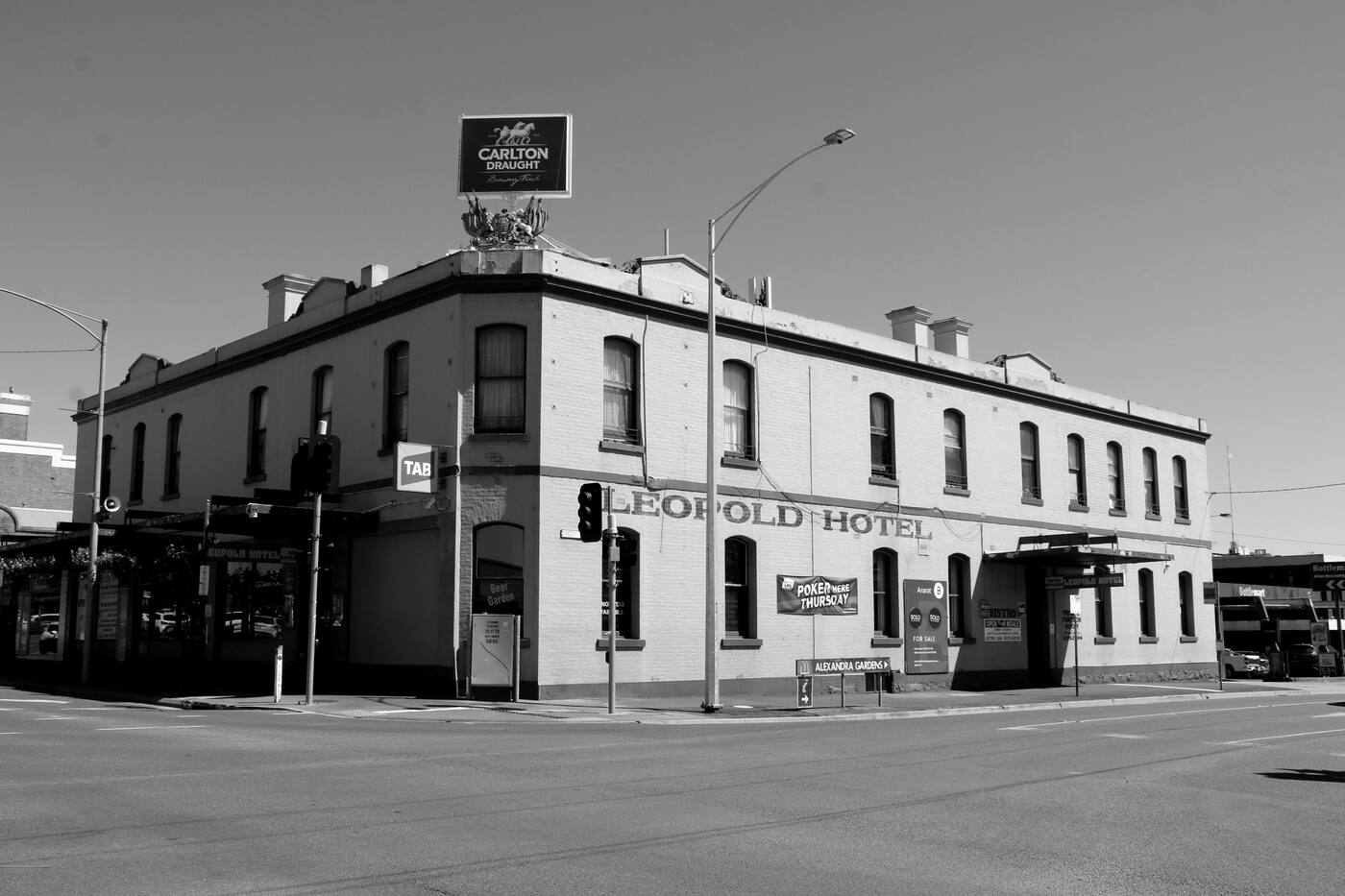
The Leopold Hotel Ararat
Two hotels, a café and a cellar door in the Grampians wine country, on NeoPOS, connected to HospoView.
Which POS
Built on NeoPOS first.
NeoPOS is connected today. The agent finds its database on the POS machine, reads it with a read-only login, and writes one thing back: members, so the till recognises them.
Run something else?
Tell us what. The agent was built to be pointed at a POS database on a Windows machine; NeoPOS is the one that's done and running in venues. We won't list a POS as supported until it is.
Say which POS you run and we'll tell you honestly where it sits.
Pricing
Per venue. No surprises.
Pricing depends on how many venues you run and which products you switch on. Tell us both and we'll send it, in plain figures, the same way we'd want to receive it.
Get started
Tell us what you run.
How many venues, which POS, and what you'd want to see first. Ask for an email back, or a call from a real person.
Or write to hello@hospoview.com.
Got it.
A real person will get back to you the way you asked — by email, or with a call. If you run NeoPOS, expect the next step to be getting the agent onto your POS machine.